↗
Send & receive files
Select supported files from your device and transfer them to a paired device on the same local network.
VyoraShare is built for straightforward file sharing between supported Android phones and Android TV devices. Pair devices, choose your files and transfer over the local network without uploading your files to a cloud storage service.
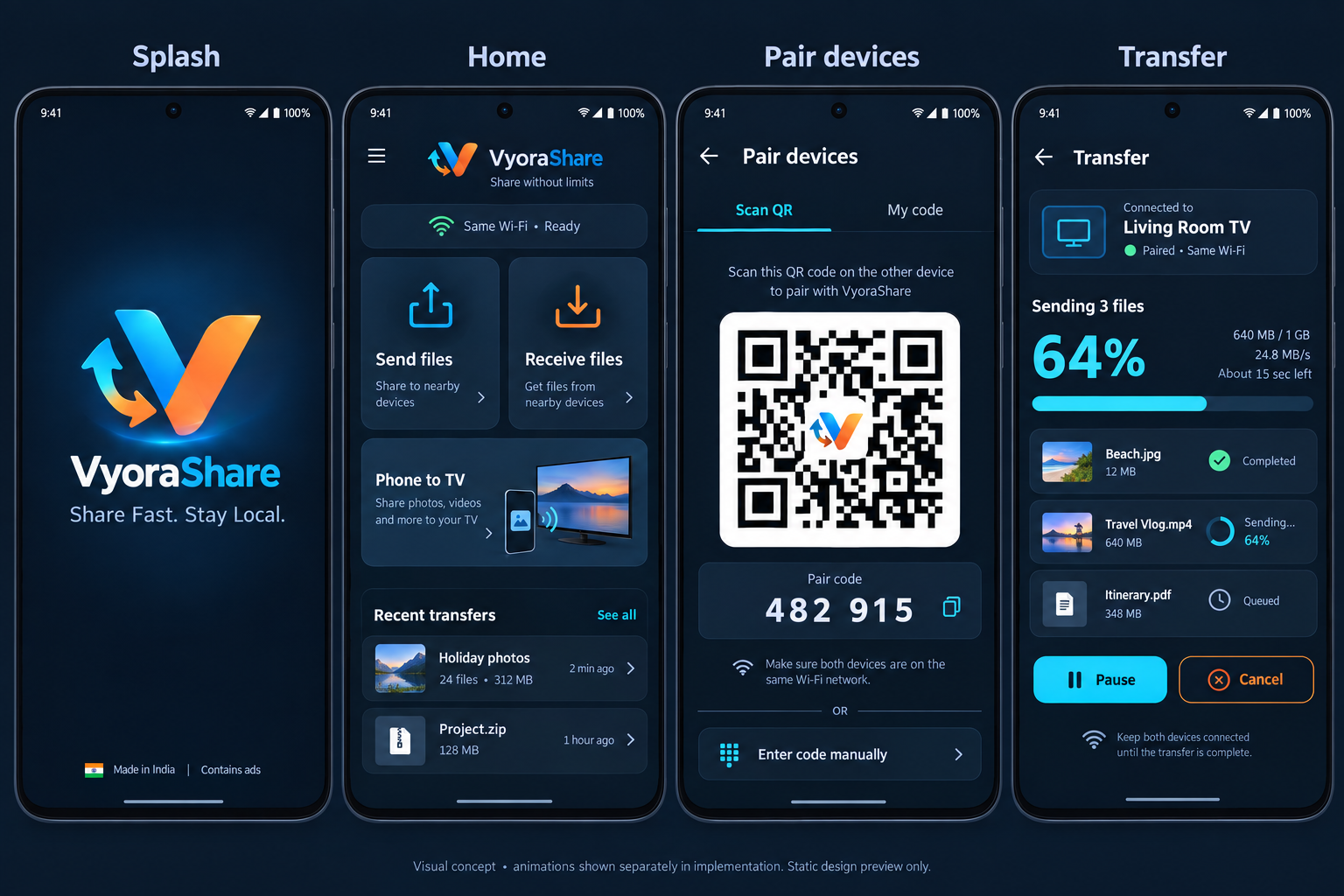
A focused sharing experience for phones and the big screen, with pairing, file selection and transfer status kept clear at every step.
Select supported files from your device and transfer them to a paired device on the same local network.
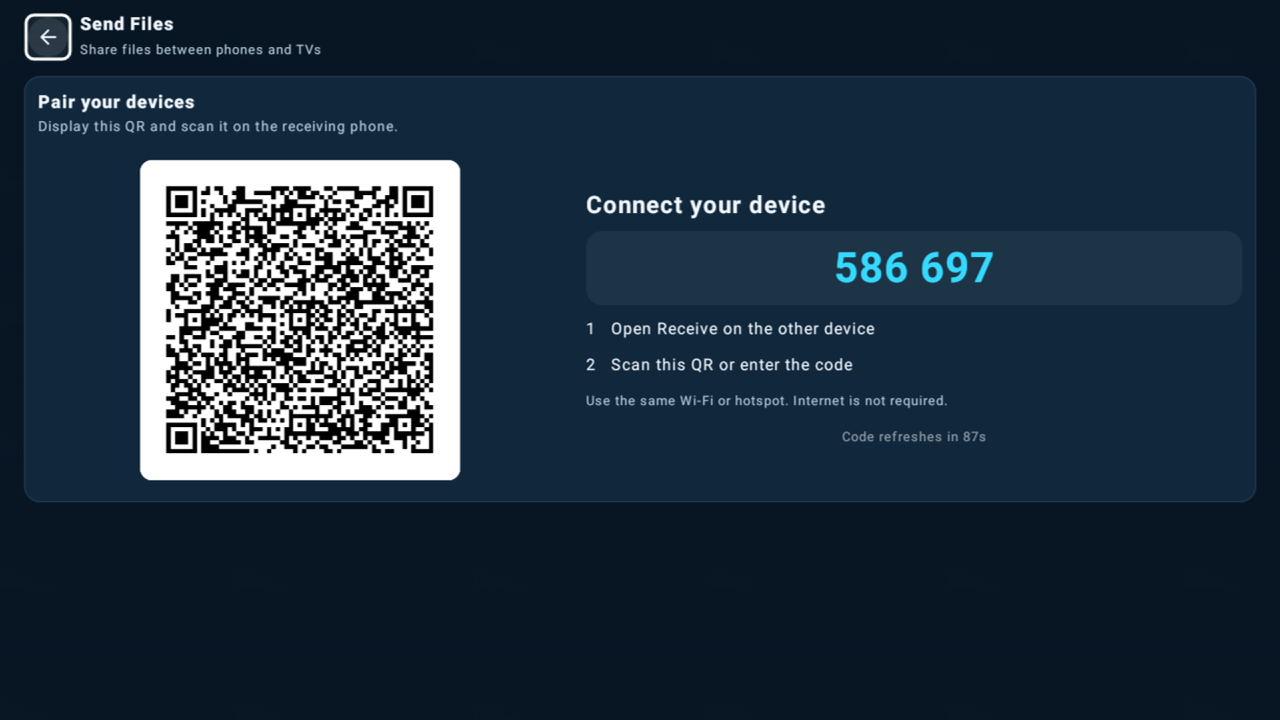
Pair supported devices using a QR code or pairing code, designed to make phone-to-TV setup easier.
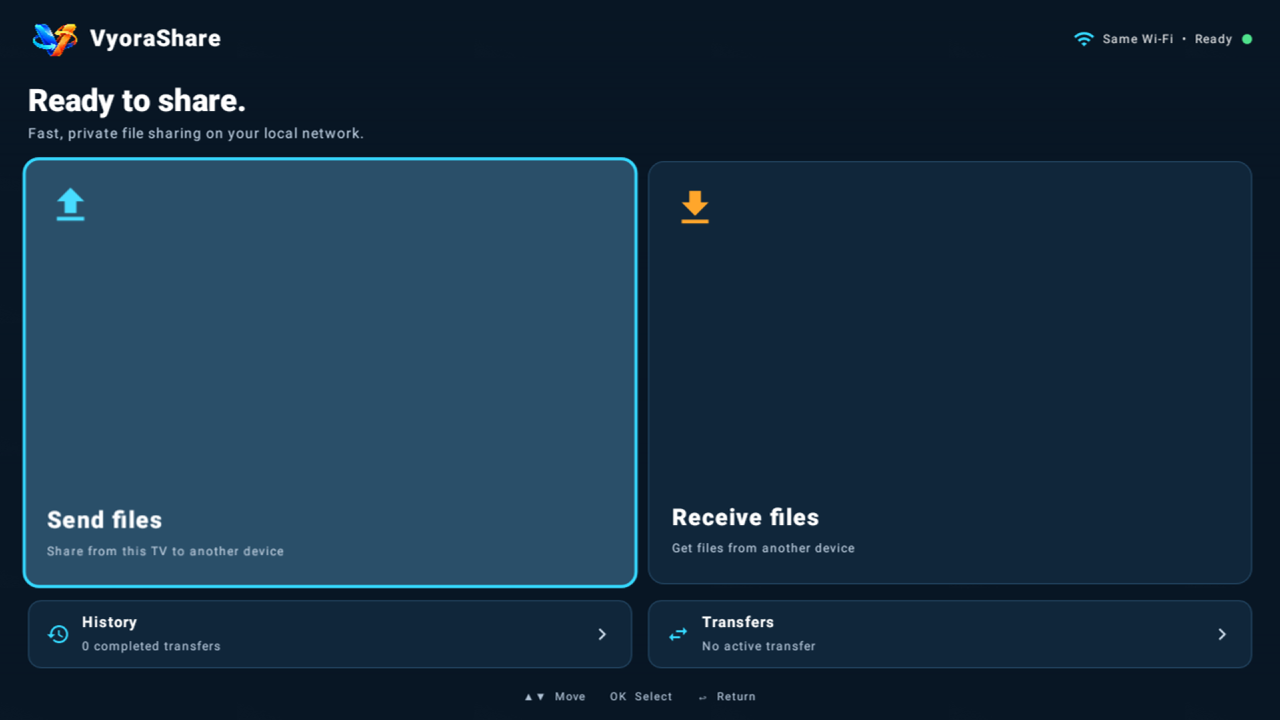
A TV-focused interface with remote-friendly navigation, clear focus states and transfer progress.
Share photos, videos, audio, documents, archives, APK files and other supported local files.
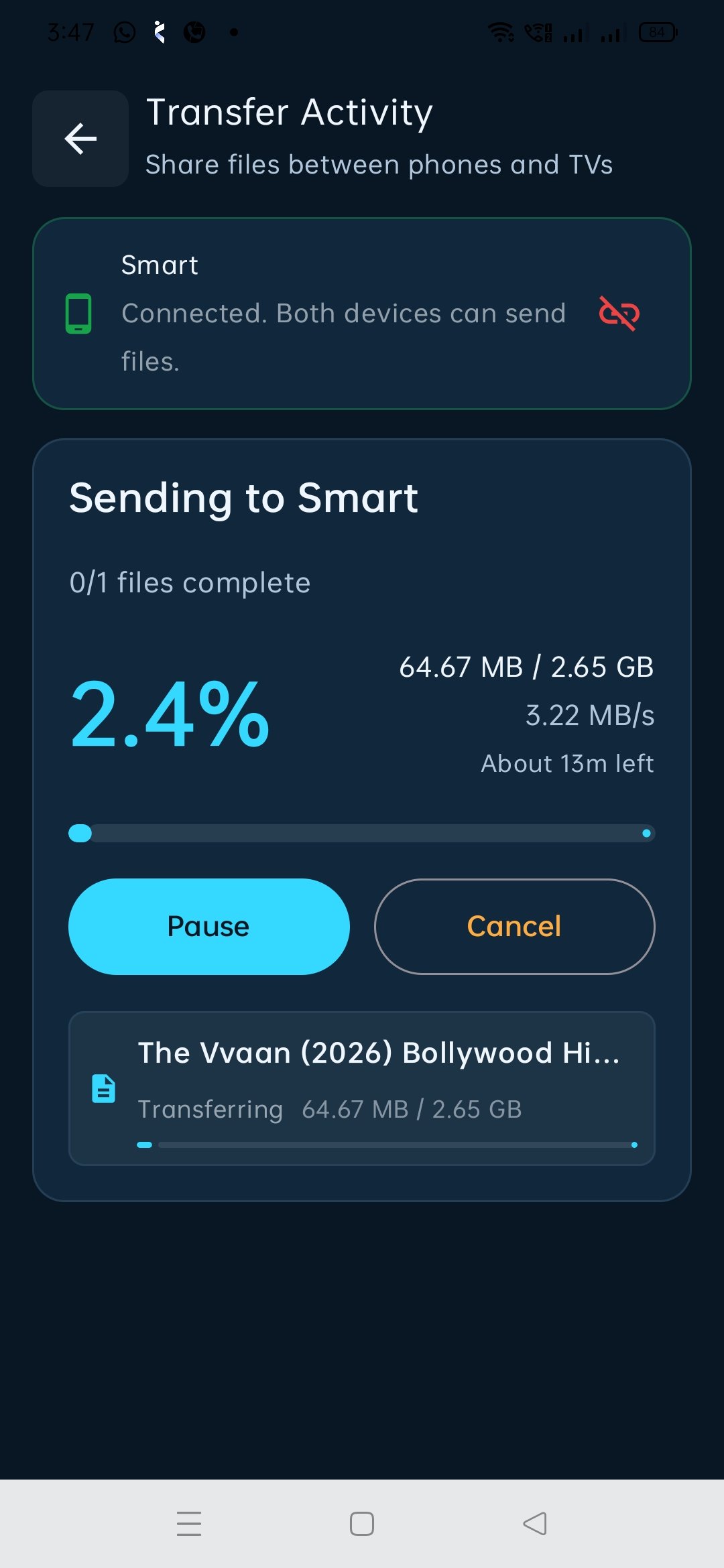
See transfer progress, transferred size, speed and status while a transfer is in progress.
File payloads are intended to move directly between paired devices on the local network rather than through VyoraShare cloud storage.
Screenshots from the mobile and Android TV experience.
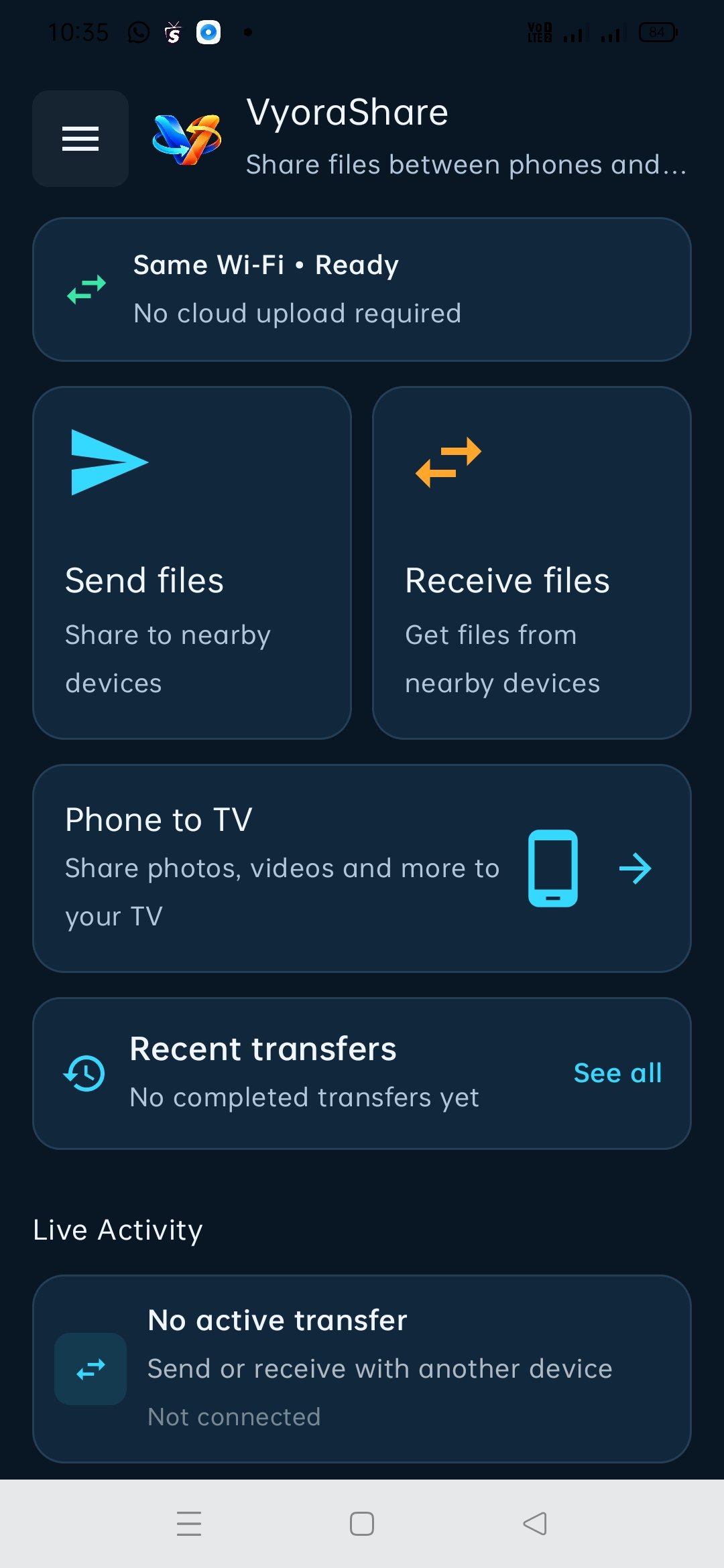
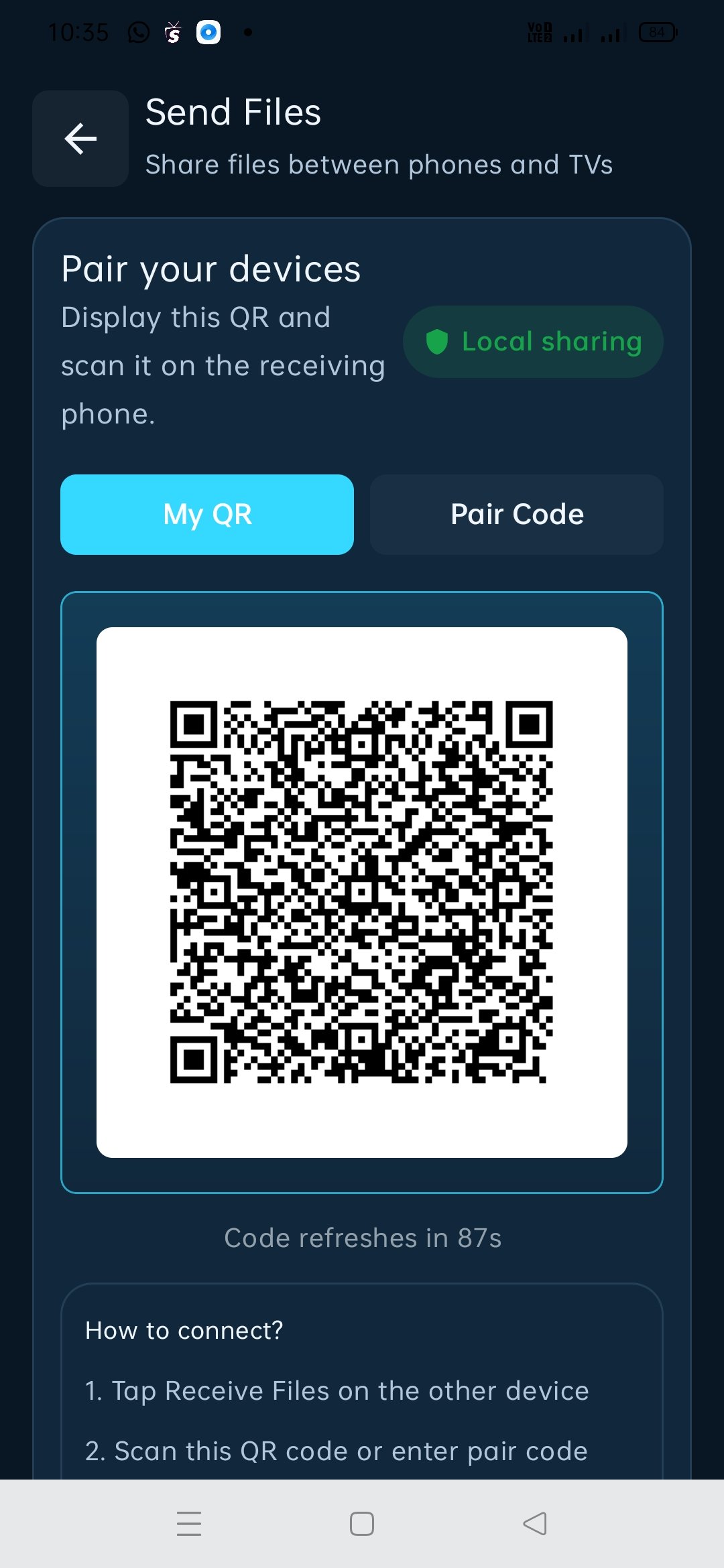
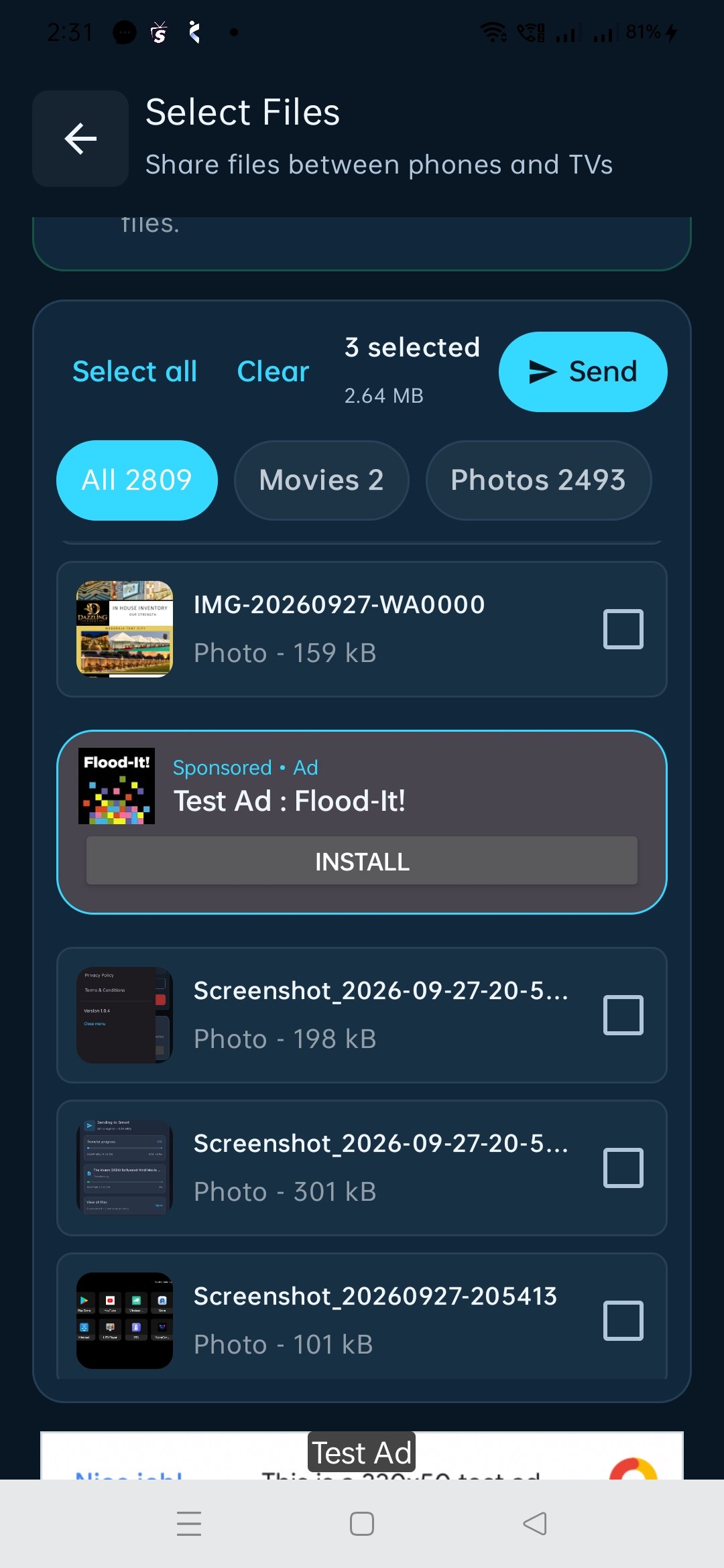
VyoraShare may request access needed for features you choose to use, such as selecting local files, scanning a pairing QR code with the camera, discovering/connecting to devices on a local network, and showing transfer notifications.
The mobile app may display advertising. Advertising services may process information according to their own policies and applicable consent requirements. See our Privacy Policy for details.
Questions about VyoraShare, privacy, support or account-independent app usage? Contact us directly.